Digital signage for hospitality
Your message. On every screen.
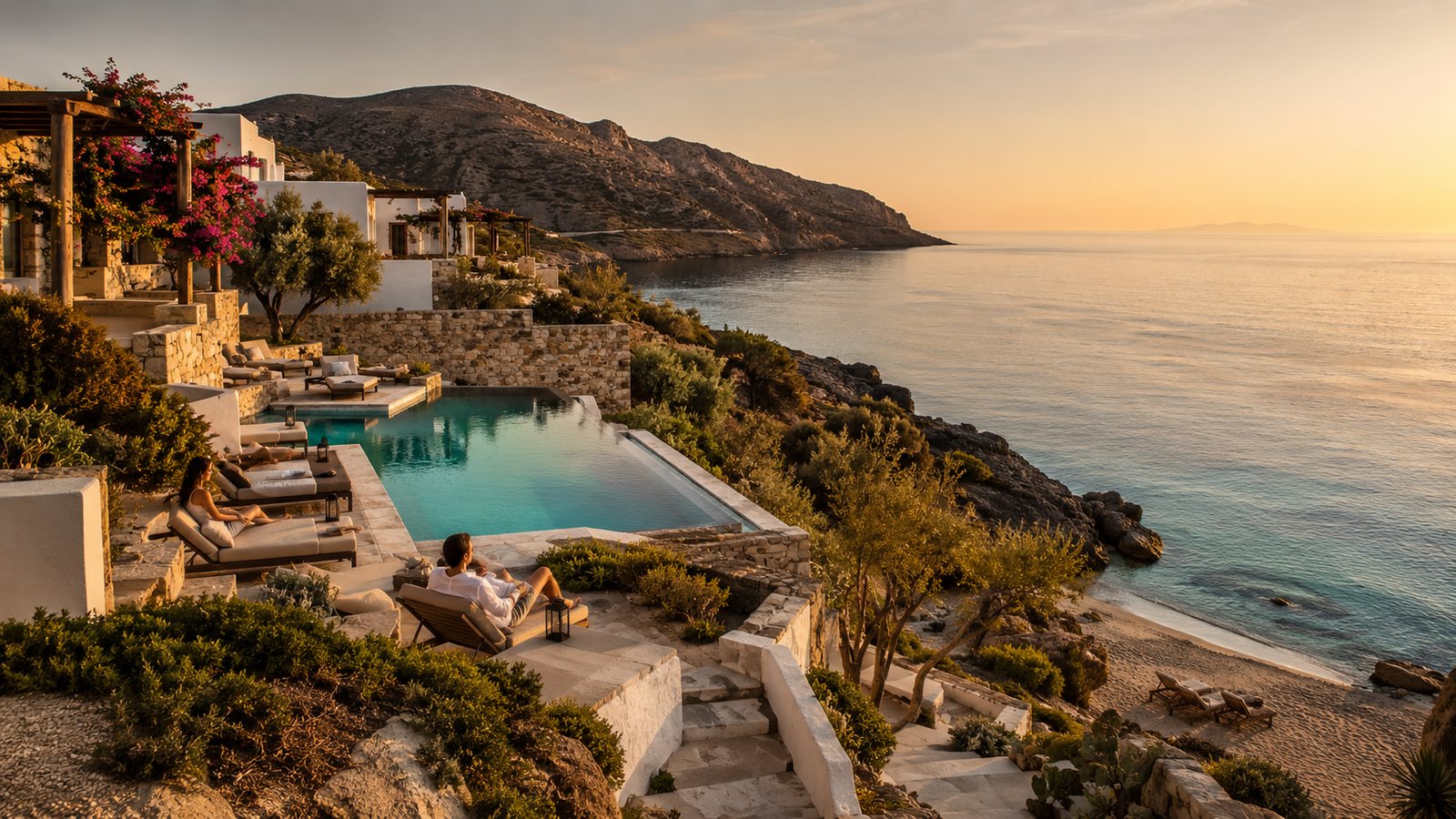
Build a display once, publish it to your Raspberry Pi screens, then update it from anywhere.
Three steps. Then it stays current.
Create the layout, send it to a screen, change it whenever you need — without visiting the Pi.
-
01
Create
Place photos, playlists, text, clocks, weather, and QR codes on a canvas.
-
02
Publish
Assign the layout to a screen. Guests see it within seconds.
-
03
Update
Change hours, menus, or offers from the console. Every Pi follows.
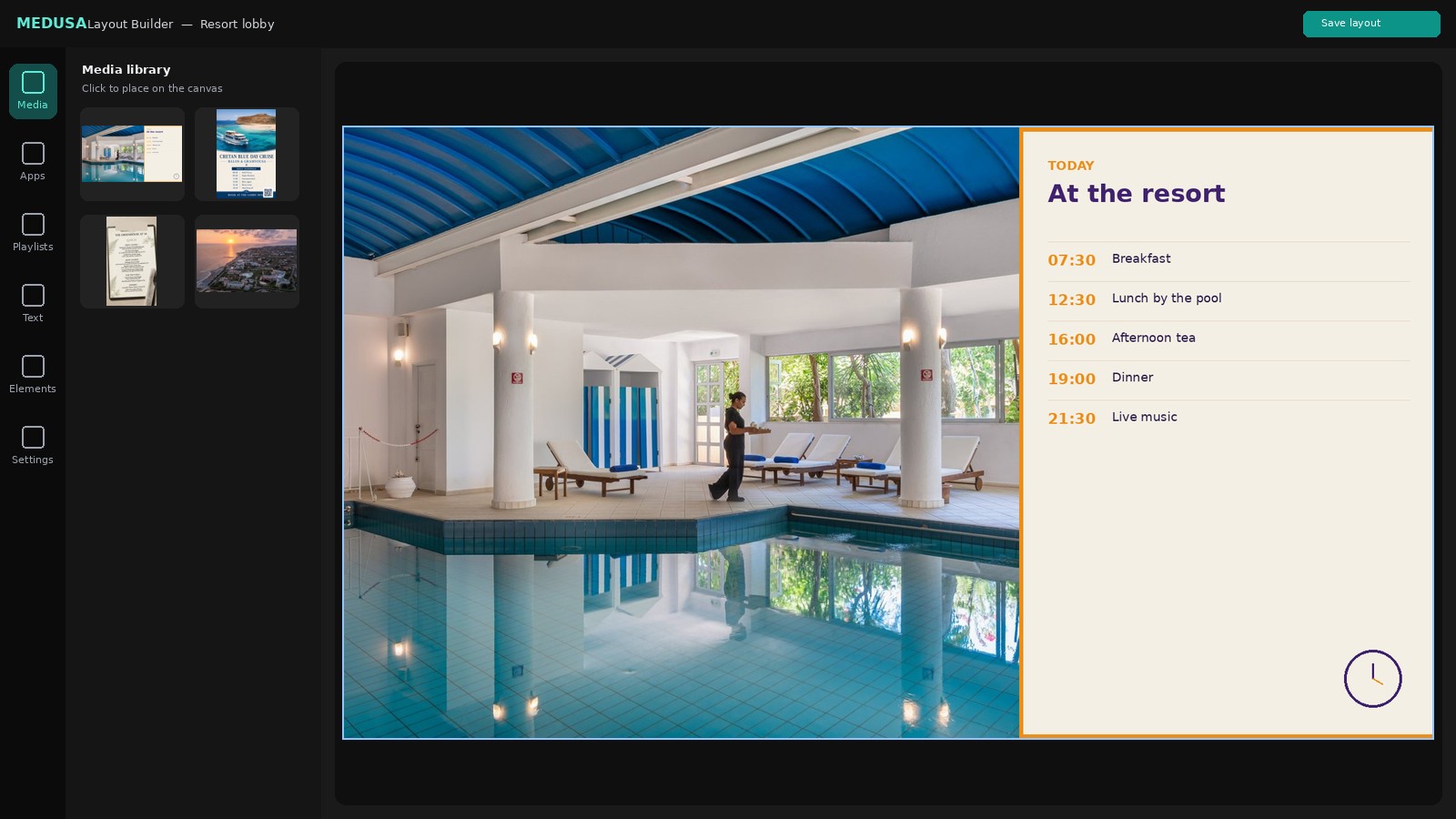
The Layout Builder, not a template lock-in.
Media, apps, playlists, text, and shapes on one canvas — the same editor used for the screens below.
Layouts we actually run.
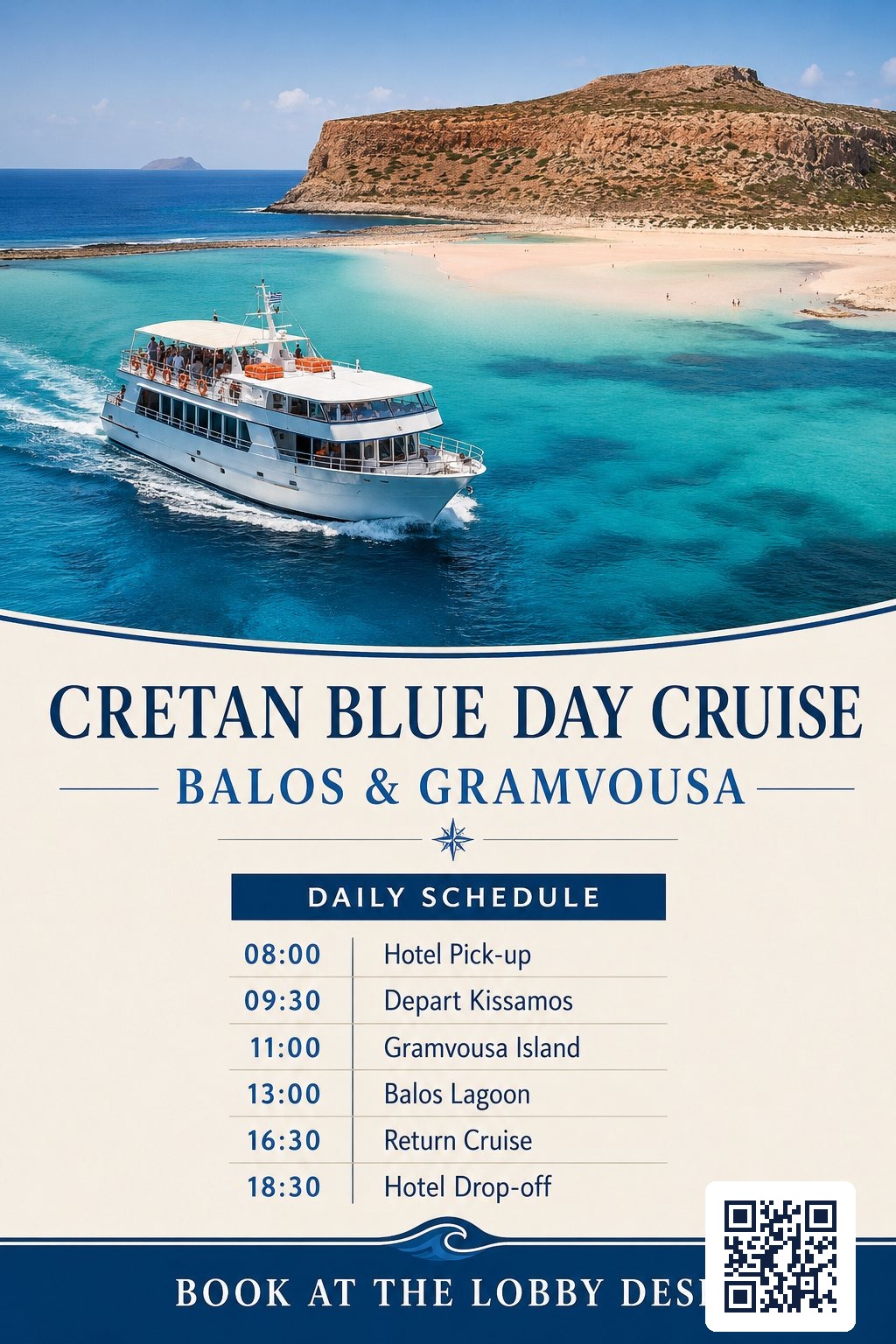
A resort lobby screen, a restaurant menu, and a boat-trip poster with a QR guests can scan to book.
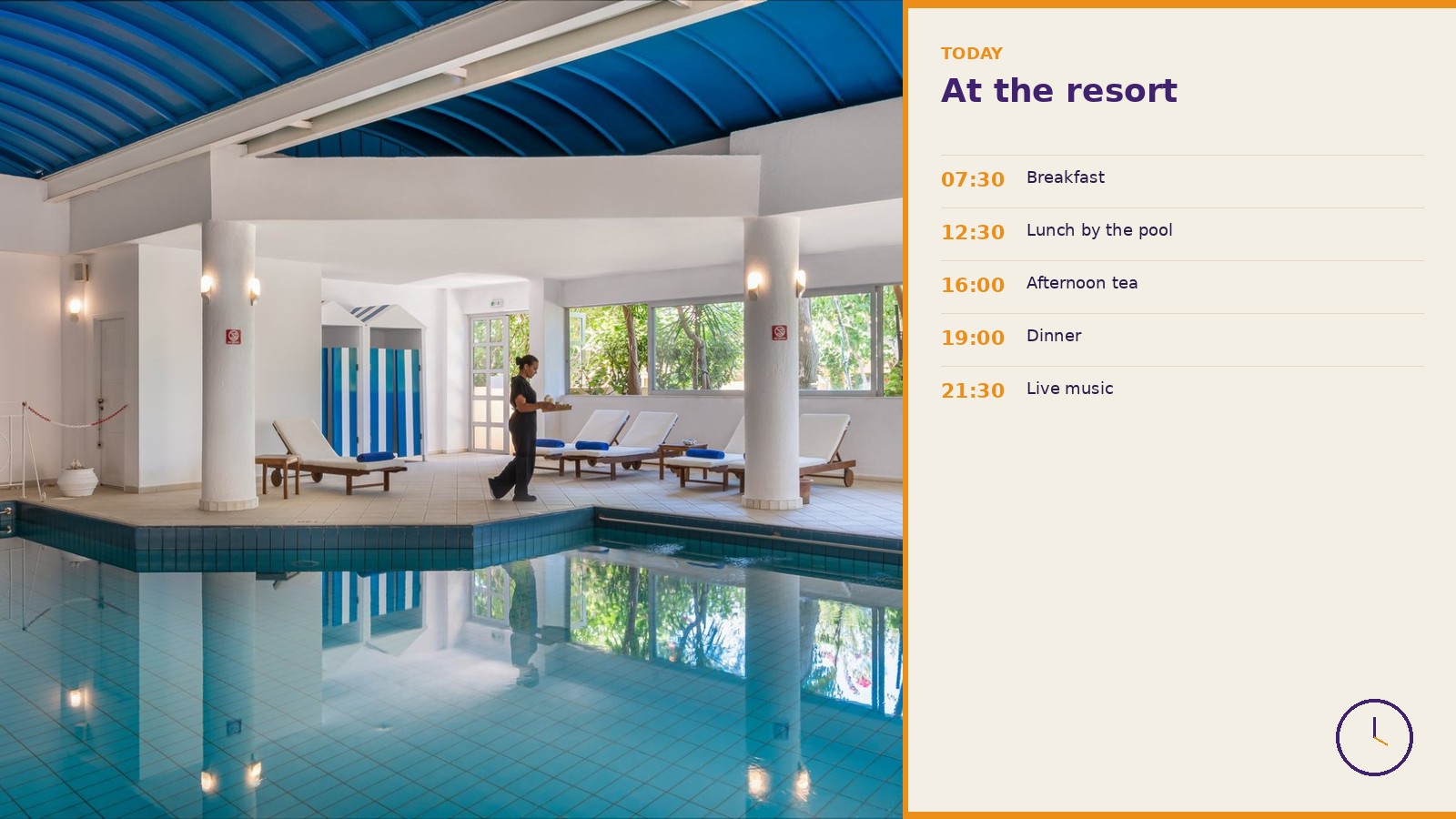
What is on today, at a glance.
Hours and atmosphere on the same screen — without reprinting a board.
Medusa for hotels ↗
Menus that match the kitchen.
Publish lunch, dinner, and specials without reprinting.
Talk about restaurant screens ↗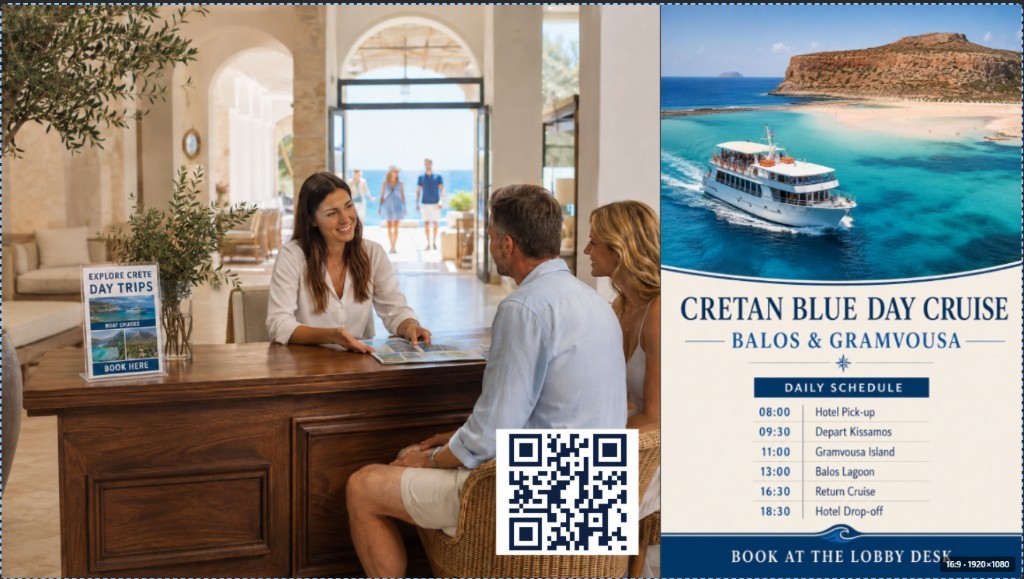
A poster that can take a booking.
Cruise times plus a QR in the lobby — scan to book, not just look.
Medusa for boat trips ↗Quick answers.
What does Medusa Displays do?+
You design layouts in the browser, publish them to Raspberry Pi screens, and update them remotely.
Do I need to know how to code?+
No. The Layout Builder is visual. Place media, apps, and text, then save.
Where do I manage screens?+
The operator app lives at console.medusadisplays.com. This site is the public welcome page.
Can I start with one screen?+
Yes. One Pi today, more locations later. Pricing is per Pi.
Have a project in mind?
Hotel, restaurant, boat trips, or a small network — tell us what you need on the screens.